Sway Dotfiles (Cloudtop)
Minimalist, keyboard-driven Sway Window Manager dotfiles tailored for Linux and Cloudtop workstations.

Ruixi-rebirth  sway-dotfiles


My favorite themes are



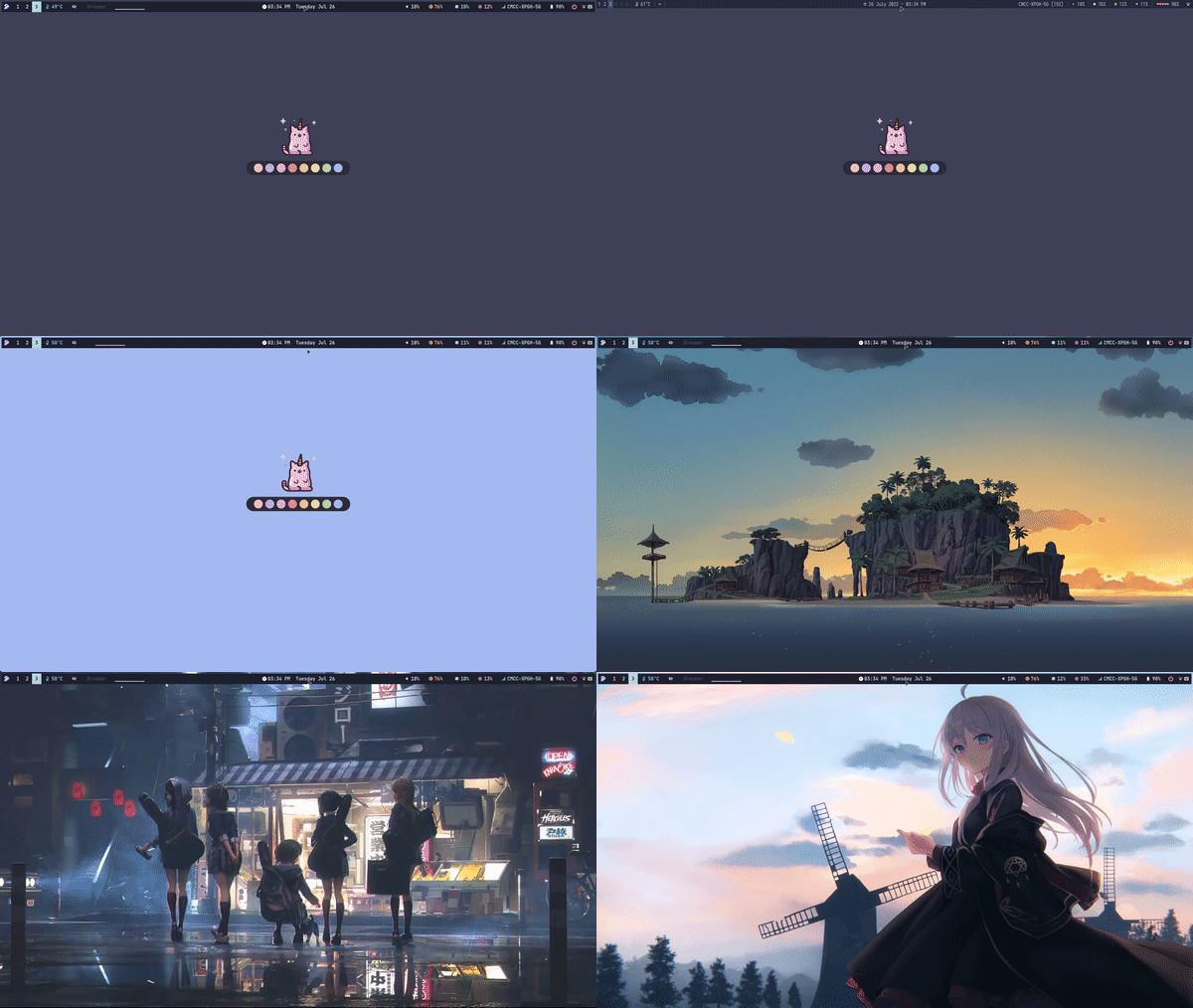
🧑🏾🎨 ScreenShot
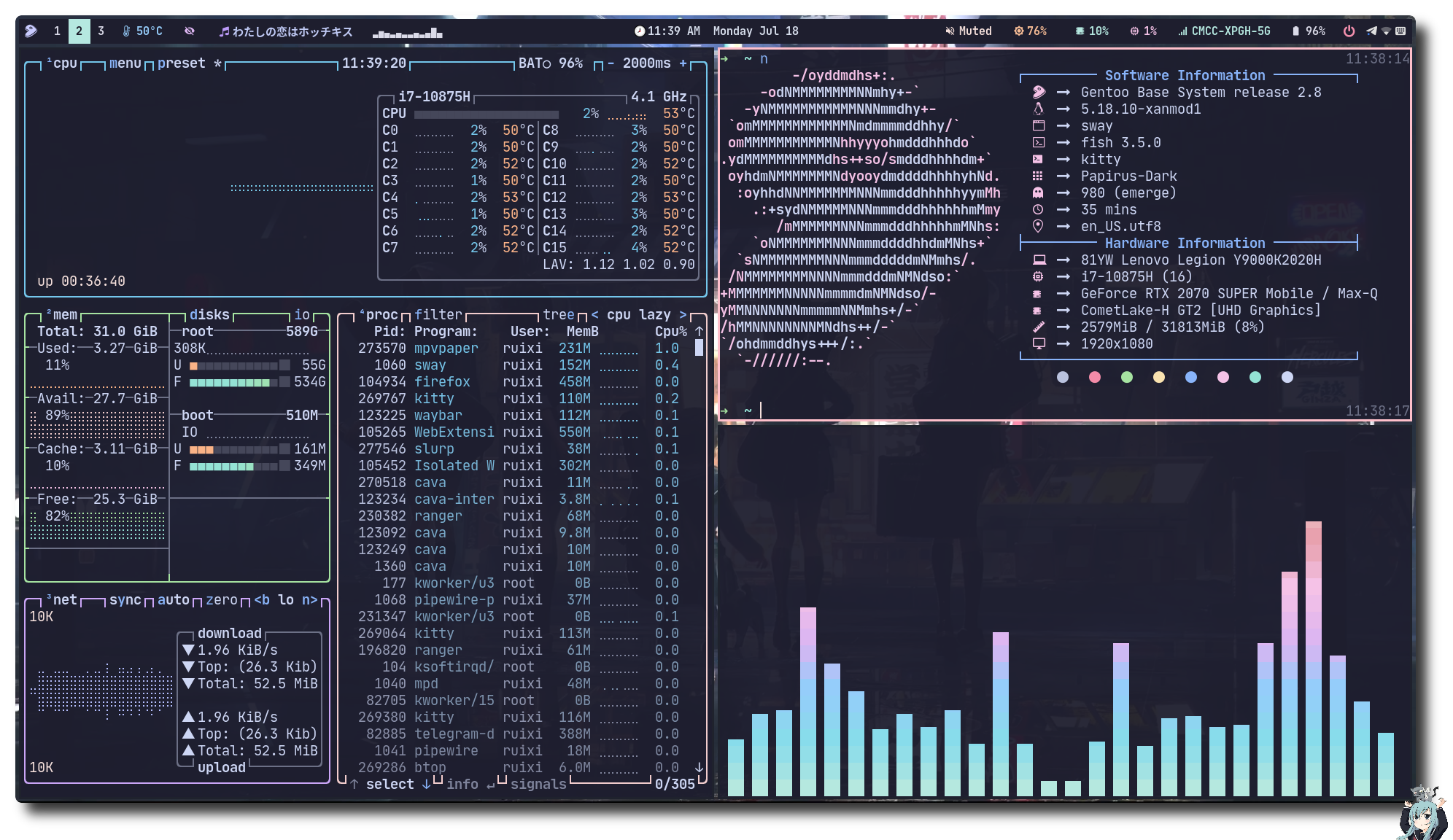
Load More (Click to expend)

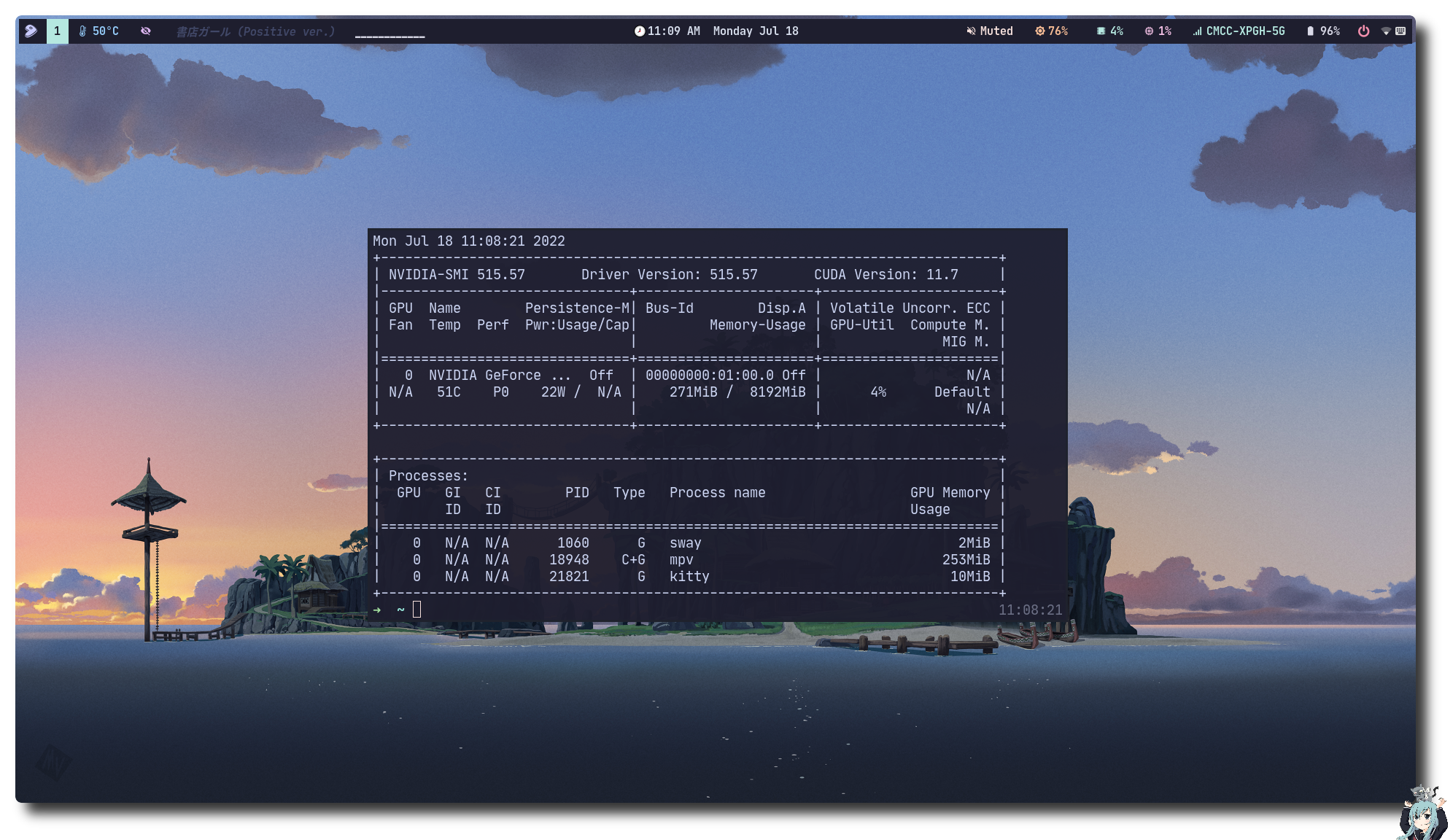
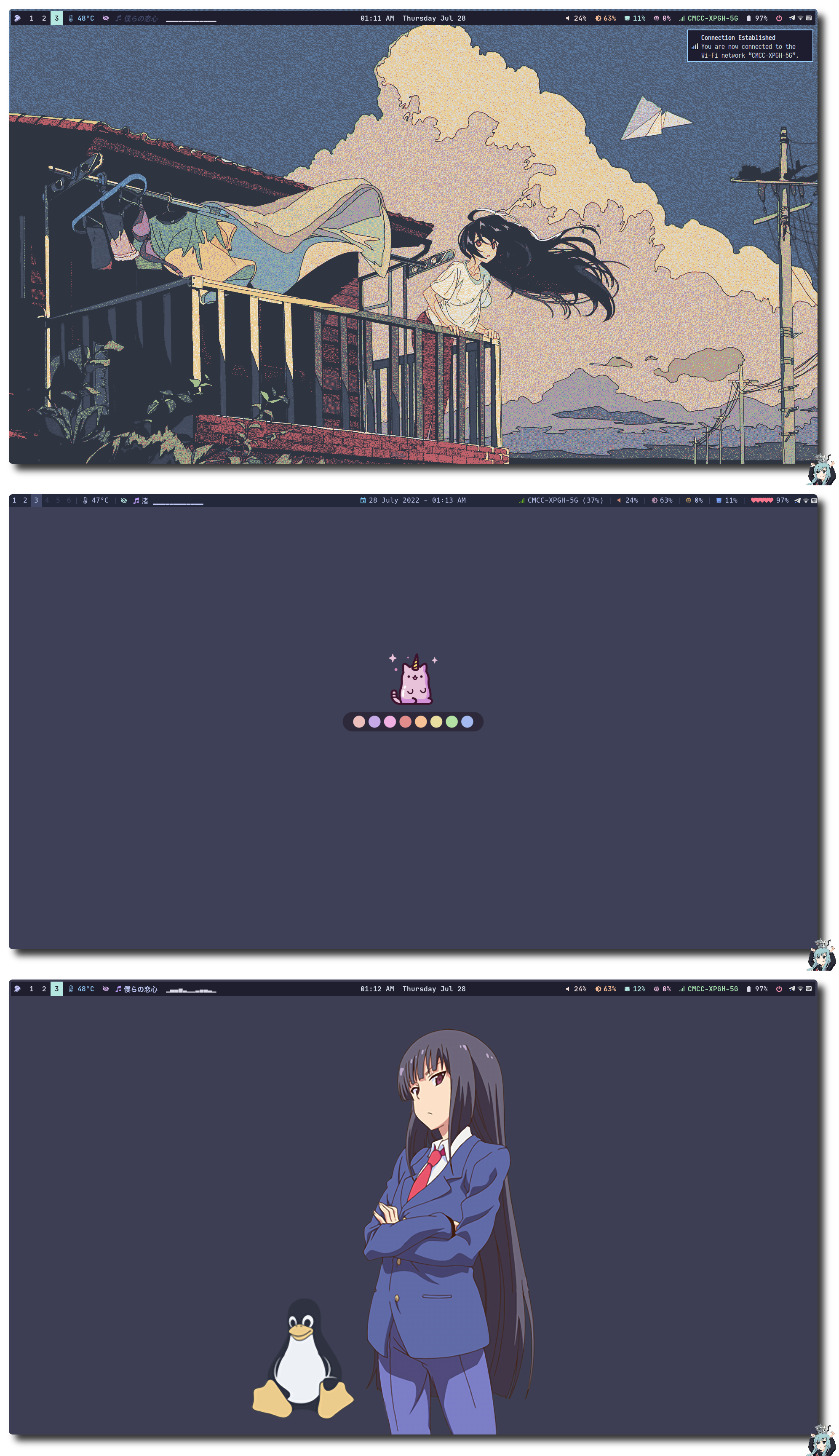
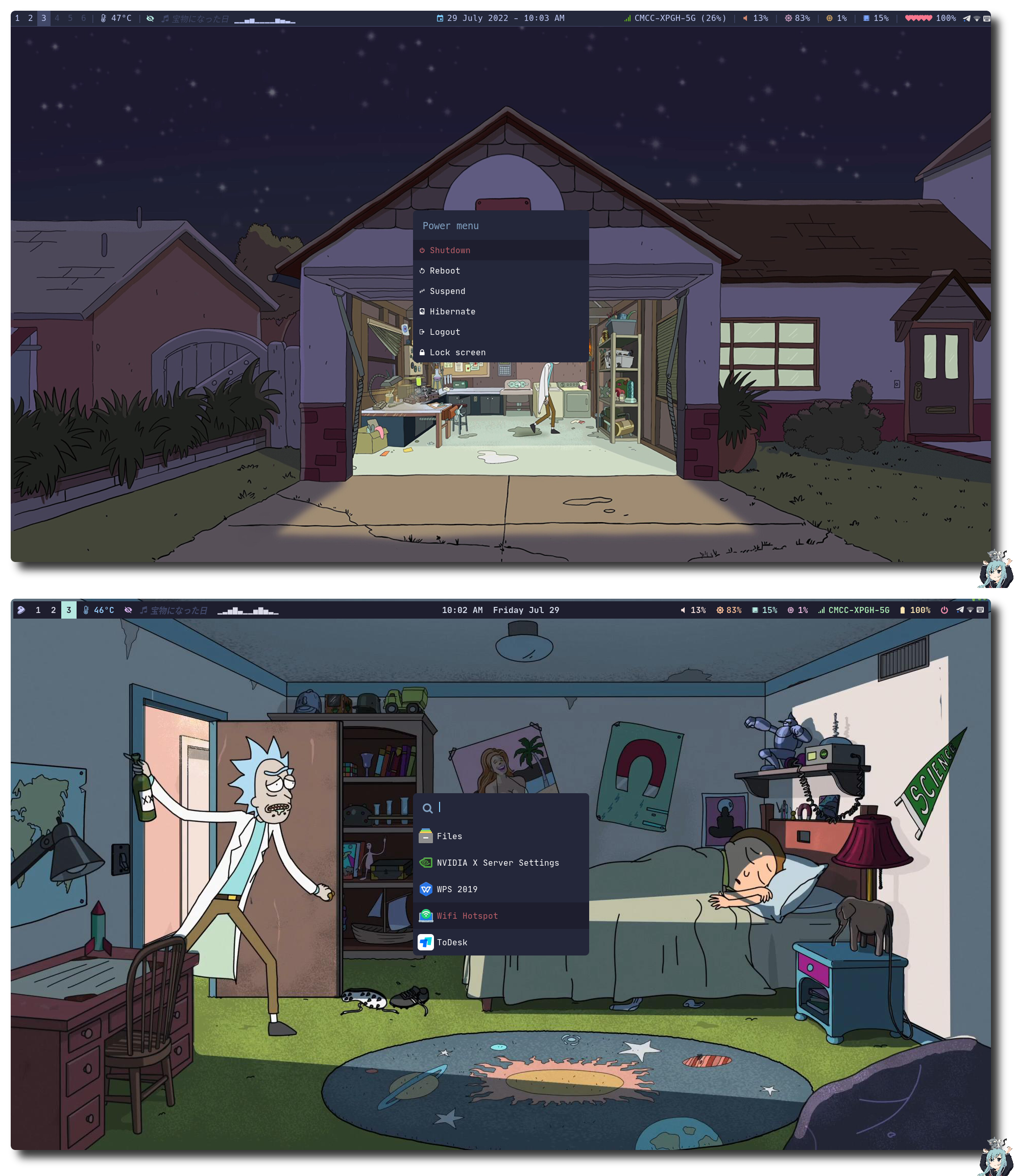
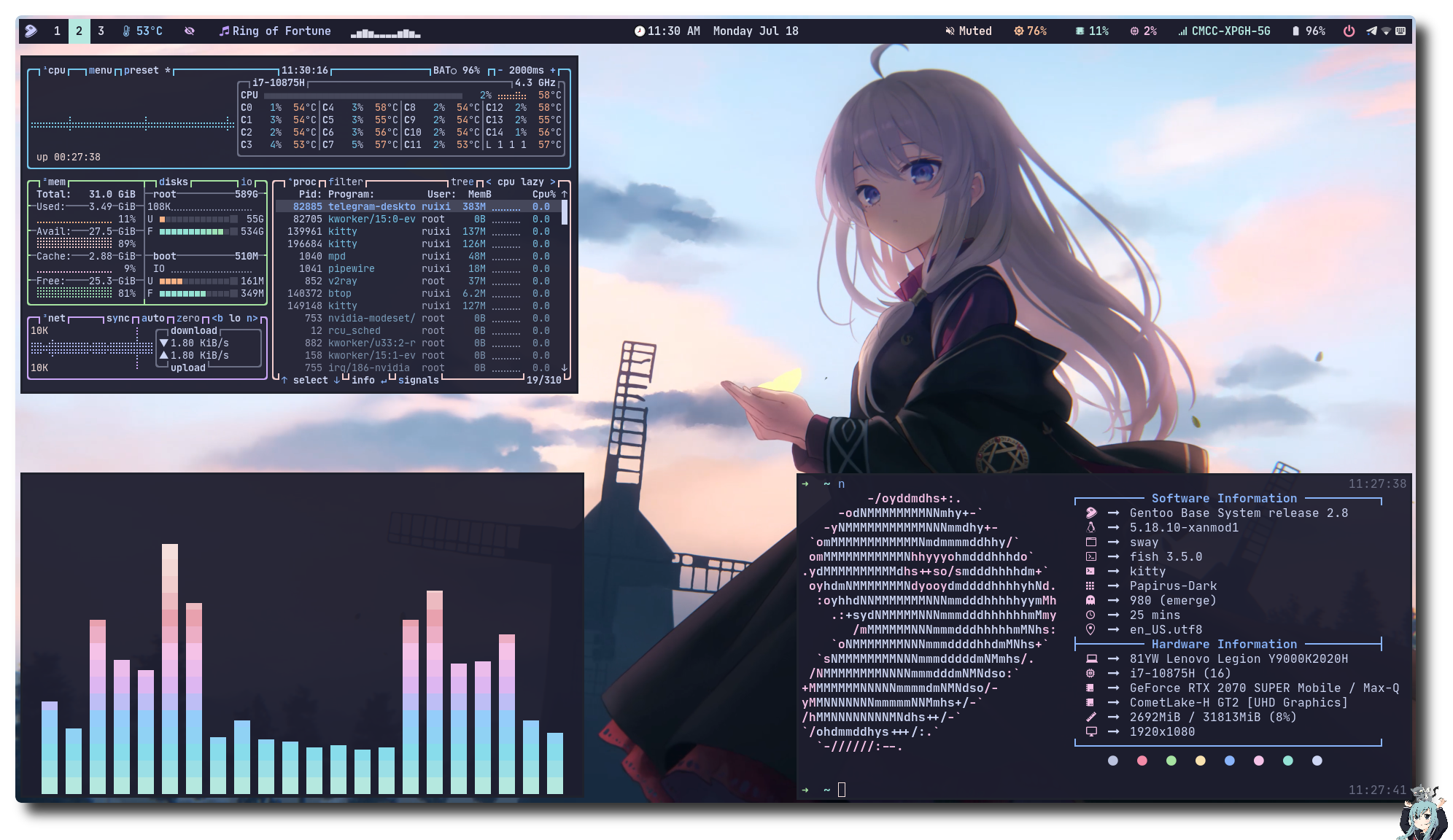
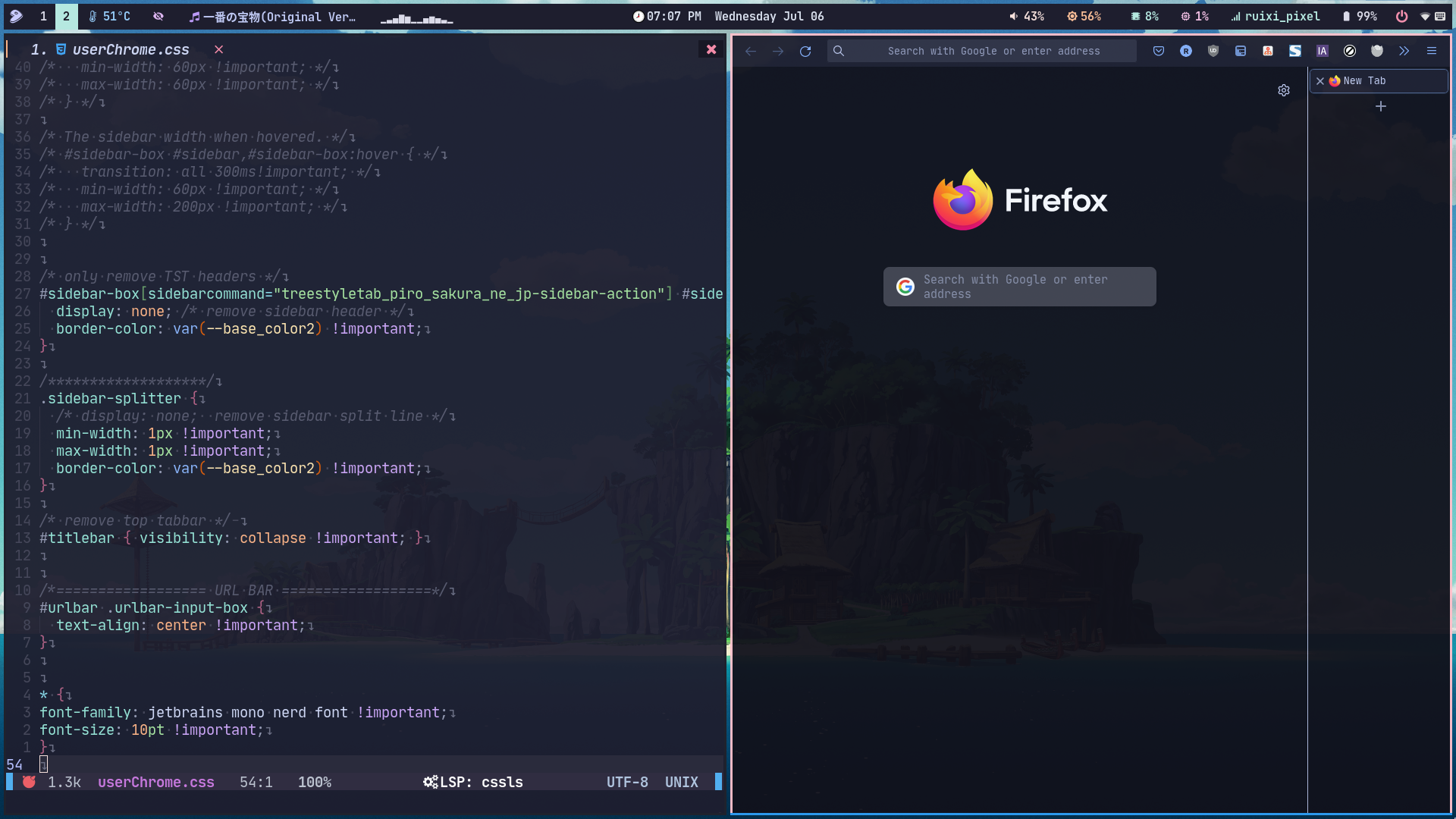
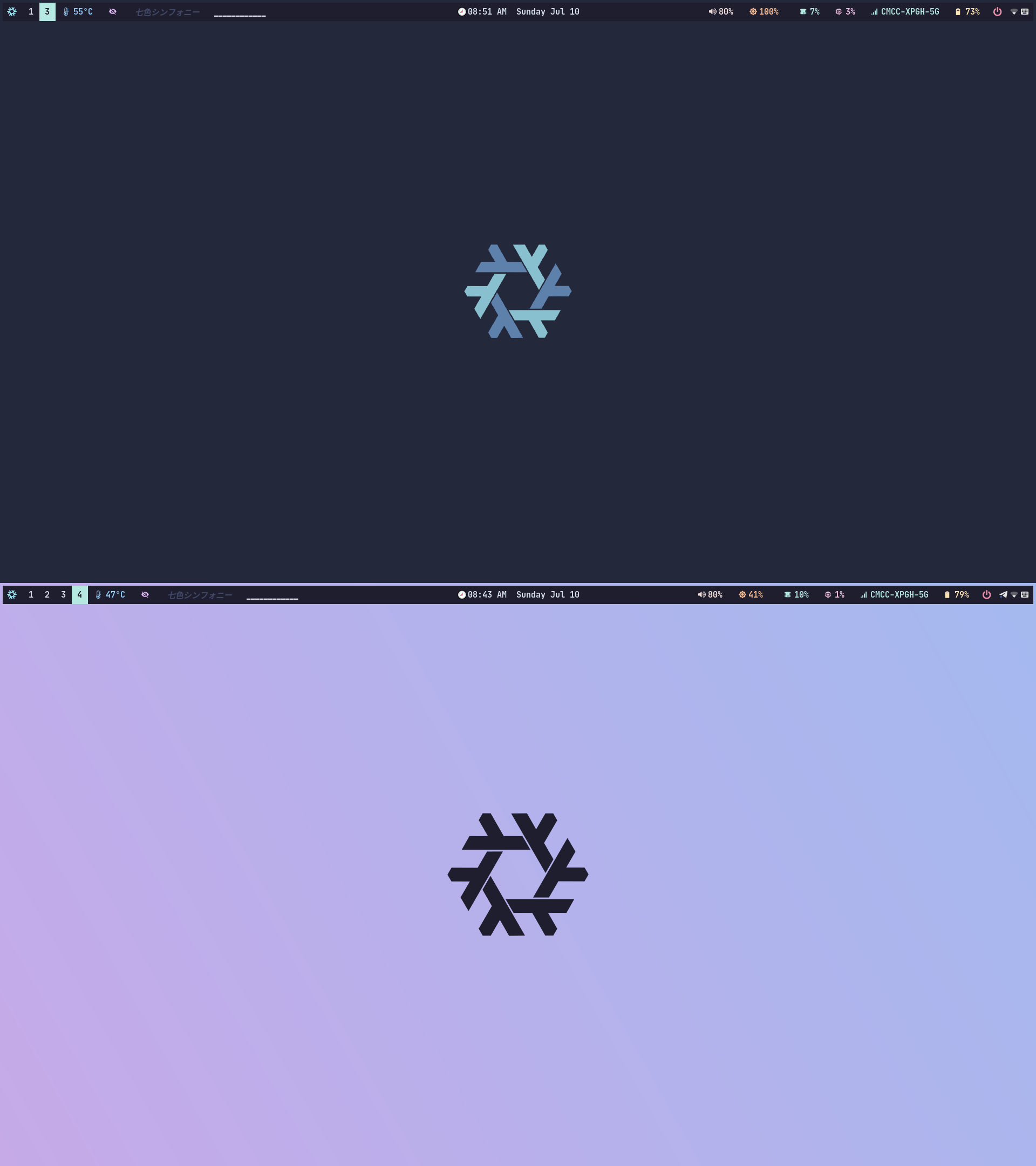
🗒️ Info
| Program | Name |
|---|---|
| Window Manager | Sway |
| Terminal Emulator | Kitty |
| Bar | waybar |
| Application Launcher | Rofi-wayland |
| Notification Daemon | Dunst , Mako |
| Display Manager | None |
| network management tool | NetworkManager |
| Input method framework | Fcitx5 |
| System resource monitor | Btop |
| File Manager | Ranger , Nautilus |
| Lockscreen | Swaylock-effects |
| Shell | Fish |
| Shell Framework | Oh-My-Fish |
| Music Player | mpd , ncmpcpp , mpc , Netease-cloud-music-gtk |
| Media Player | mpv |
| Text Editor | Neovim |
| GTK Theme | Catppuccin |
| Icons | Papirus Dark |
| Fonts | Nerd fonts |
| Image Viewer | imv , feh |
| Screenshot Software | grimshot |
| Screen Recording | wf-recorder , OBS |
| Clipboard | wl-clipboard |
🔨 Dependencies
Packages
- sway
- waybar
- swaybg
- rofi
- sway-effects
- mako
- pulseaudio
- light
- kitty
- qtstyleplugins
- mpd
- mpc
- ncmpcpp
- nm-applet
- grimshot
- wl-clipboard
- imv/feh
Fonts
- nerd-fonts noto twemoji noto-cjk
🚀 Manual Installation
✒️ Just wrote something that I thought was important!
- Clone this repository
git clone https://github.com/Ruixi-rebirth/sway-dotfiles.git-
Install the required software(see Dependencies)
-
Install firefox theme
Set toolkit.legacyUserProfileCustomizations.stylesheets to true in about:config
Catppuccin
 $ cd sway-dotfiles && cp -r chrome.catppuccin $HOME/.mozilla/firefox/*.default-release/
 $ cd $HOME/.mozilla/firefox/*.default-release/
 $ mv chrome.catppuccin chrome
Nord
  $ cd sway-dotfiles && cp -r chrome.nord $HOME/.mozilla/firefox/*.default-release/
  $ cd $HOME/.mozilla/firefox/*.default-release/
$ mv chrome.nord chrome- Install GTK theme
I use the lxappearance tool to set gtk themes, mouse styles, icons, etc. Although it will not take effect, it can help me generate gtk2.0 and gtk3.0 related configuration files. What really works is the part of the sway config about setting the gtk theme,In order to apply the gtk theme to the qt program, you should download the qtstyleplugins and set the environment variable QT_QPA_PLATFORMTHEME=gtk2
Catppuccin
# for a single user
$ cd sway-dotfiles && cp -r .themes $HOME/
🔑 Keybinds
These are the basic keybinds. Read through the sway config for more keybinds.
| Keybind | Function |
|---|---|
Alt + Enter | Launch terminal (kitty) |
Alt + Shift + Enter | Launch floating terminal (kitty) |
Alt + Shift + p | Kill focused window |
Alt + ' | Set vertical orientation |
Alt + ; | Set horizontal orientation |
Win(Super) | Launch Rofi |
Alt + Win(Super) | Launch Poer menu |
Alt + Shift + x | Lock screen |
Alt + o(is o not 0) | Toggle Waybar |
Alt + Shift + e | Exit sway |
Alt + Shift + c | Restart sway |